
 Recall
Image occlusion
Cover the labels on any picture and test yourself on what is underneath. Tap a mask to peek.
Flashcards for Mac, iPad and iPhone
Recall brings each card back just before you would have forgotten it, so an hour of studying goes further. It works offline, asks for no account, and keeps your decks on your own devices.
Mac with Apple silicon on macOS 14 or later. iPhone and iPad on iOS 18 or later.
This is how a Recall session goes. Read the front, answer in your head, flip, then say how it went. Your answer decides when the card returns.
The intervals here are illustrative. In the app they come from FSRS and your own review history, or from the Simple and Custom modes if you prefer fewer buttons.
Tap the card to see the answer.
Here is when each card would come back:
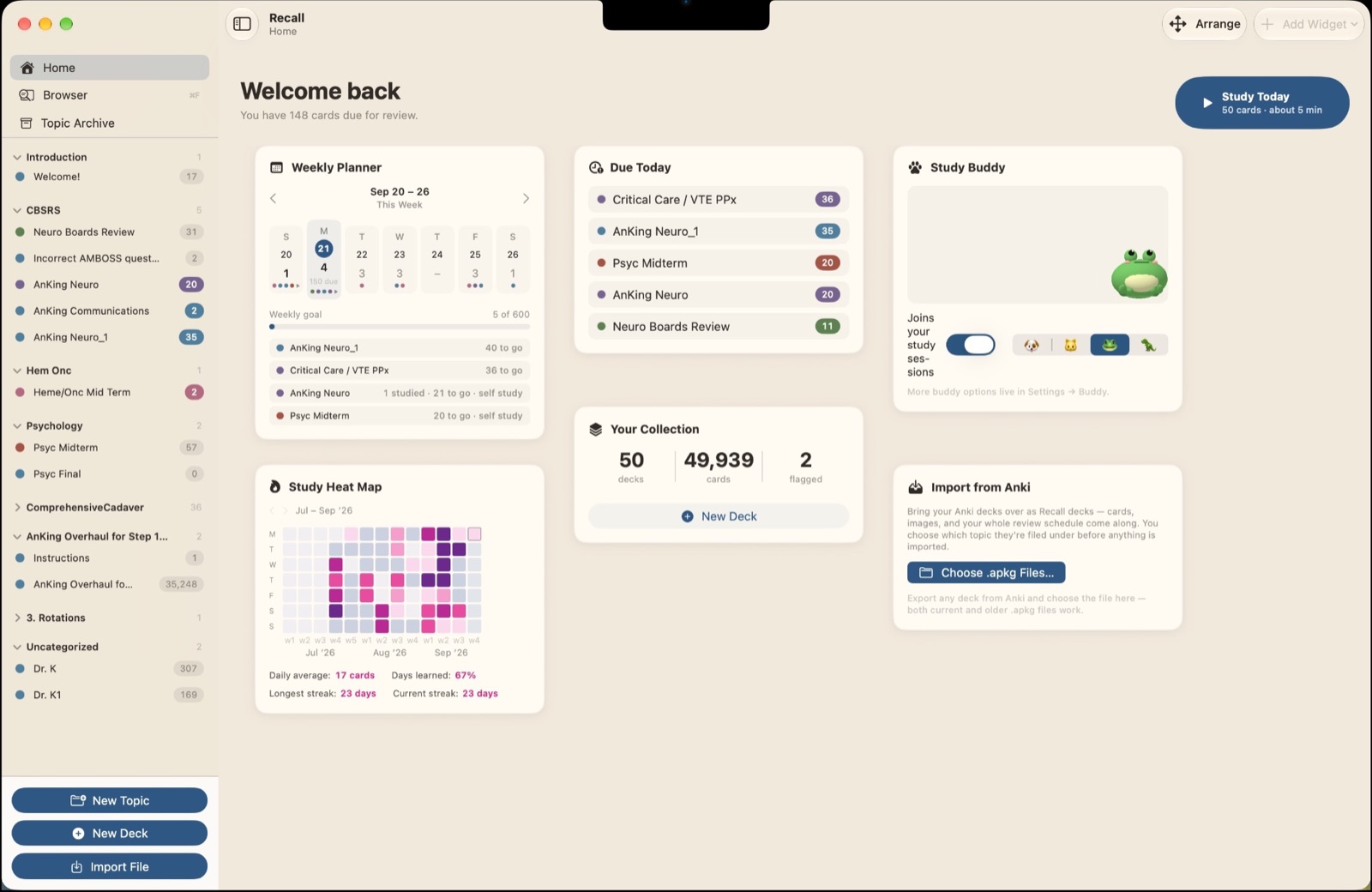
Home shows what is due and roughly how long it will take. Press Study Today and Recall builds one queue from the decks you chose.
Anatomy lives in pictures. Pathways live in diagrams. Recall's cards hold whatever shape the fact has.
Cover the labels on any picture and test yourself on what is underneath. Tap a mask to peek.
Select a phrase, press ⌘K, and it becomes a blank. One sentence can make several cards.
The {{c1::mitochondria}} makes most of a cell's {{c2::ATP}}.
The [...] makes most of a cell's ATP.
The mitochondria makes most of a cell's [...].
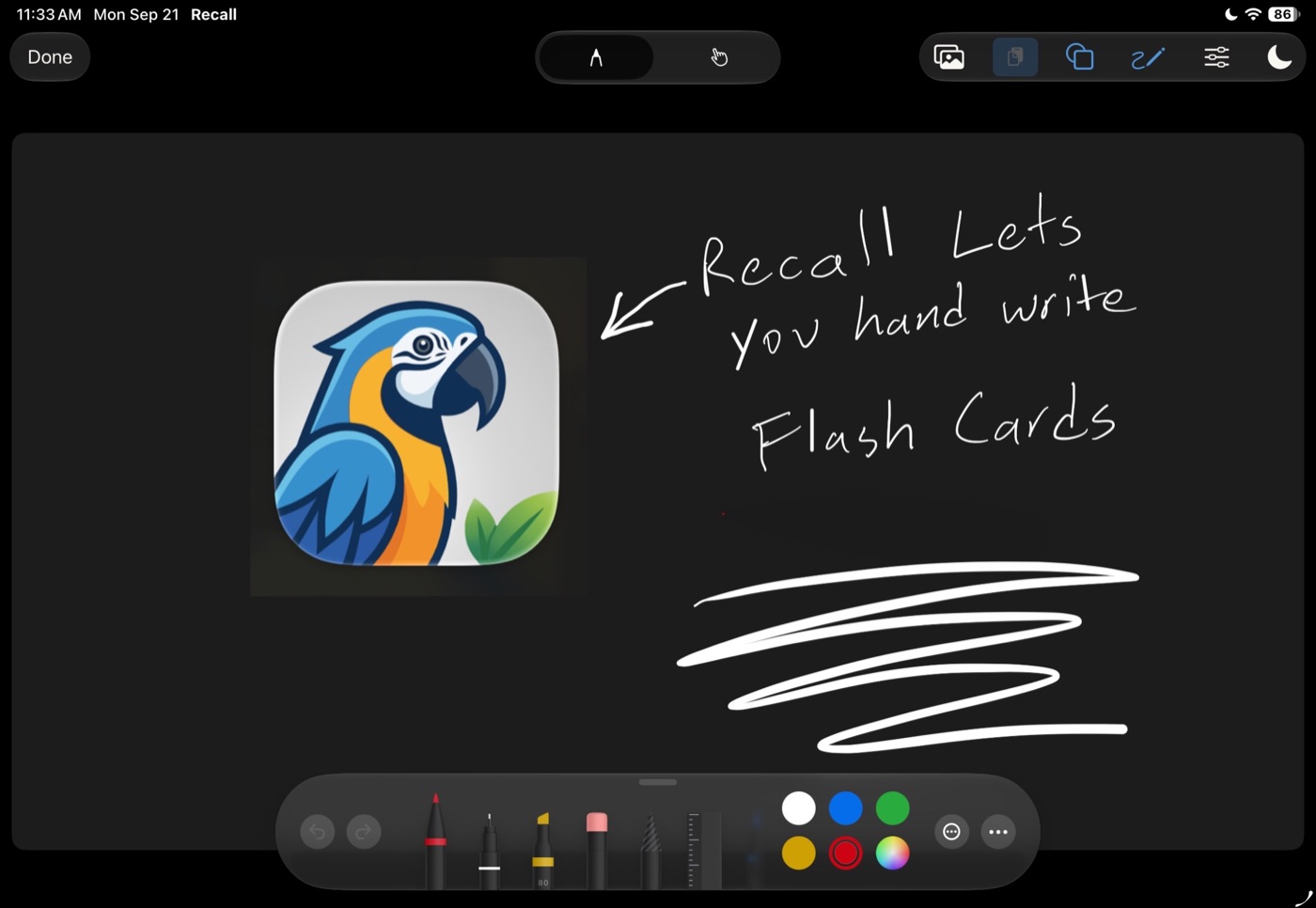
On iPad, write or draw a card with Apple Pencil. Some things only stick once your hand has made them.
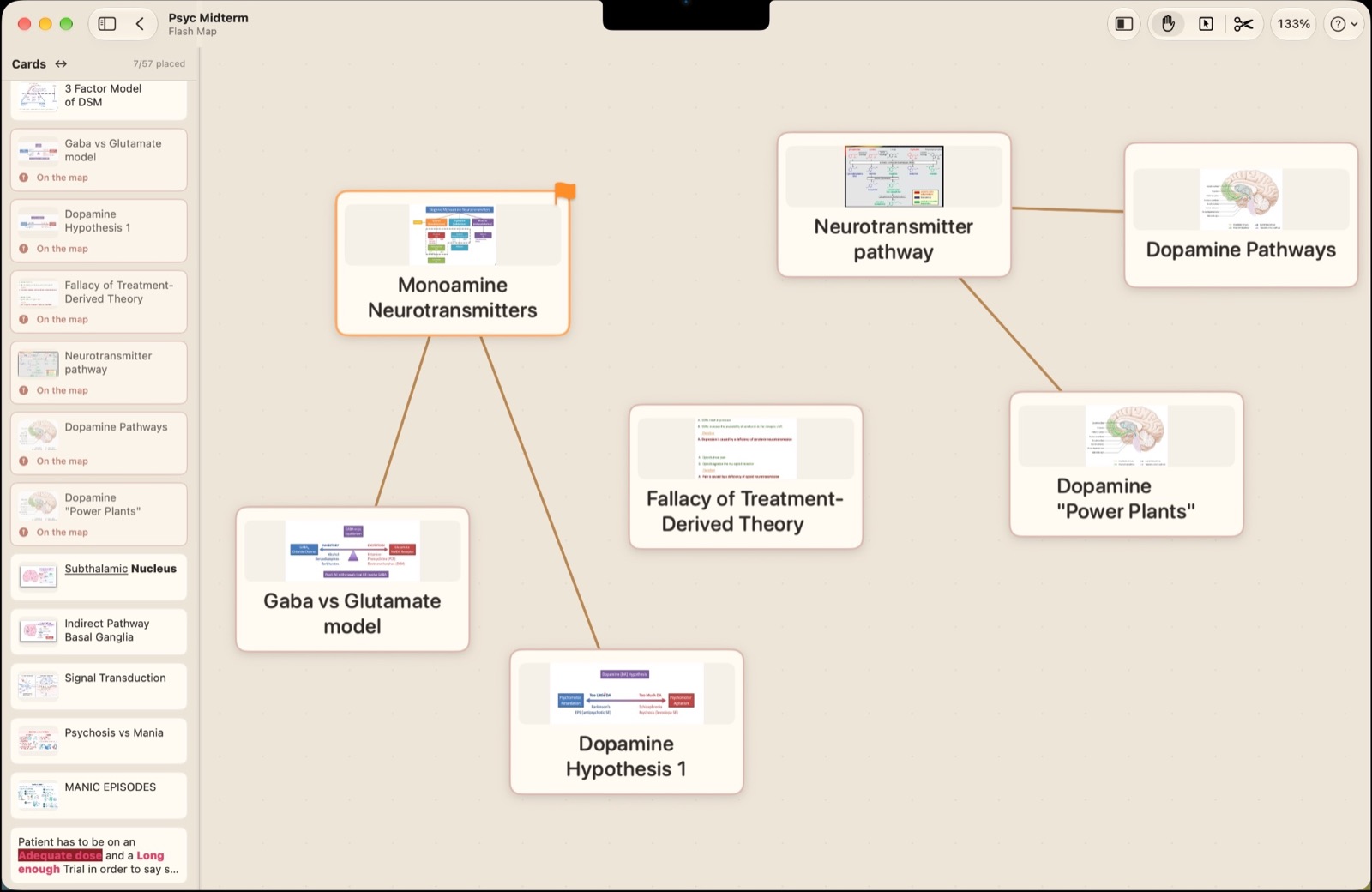
Lay cards out on a board and tether the ones that belong together. A deck becomes a diagram of how the ideas connect.
Recall is written natively for each device, so each one does what it is good at.
Sync is optional and runs through your own private iCloud database. Everything works without it.
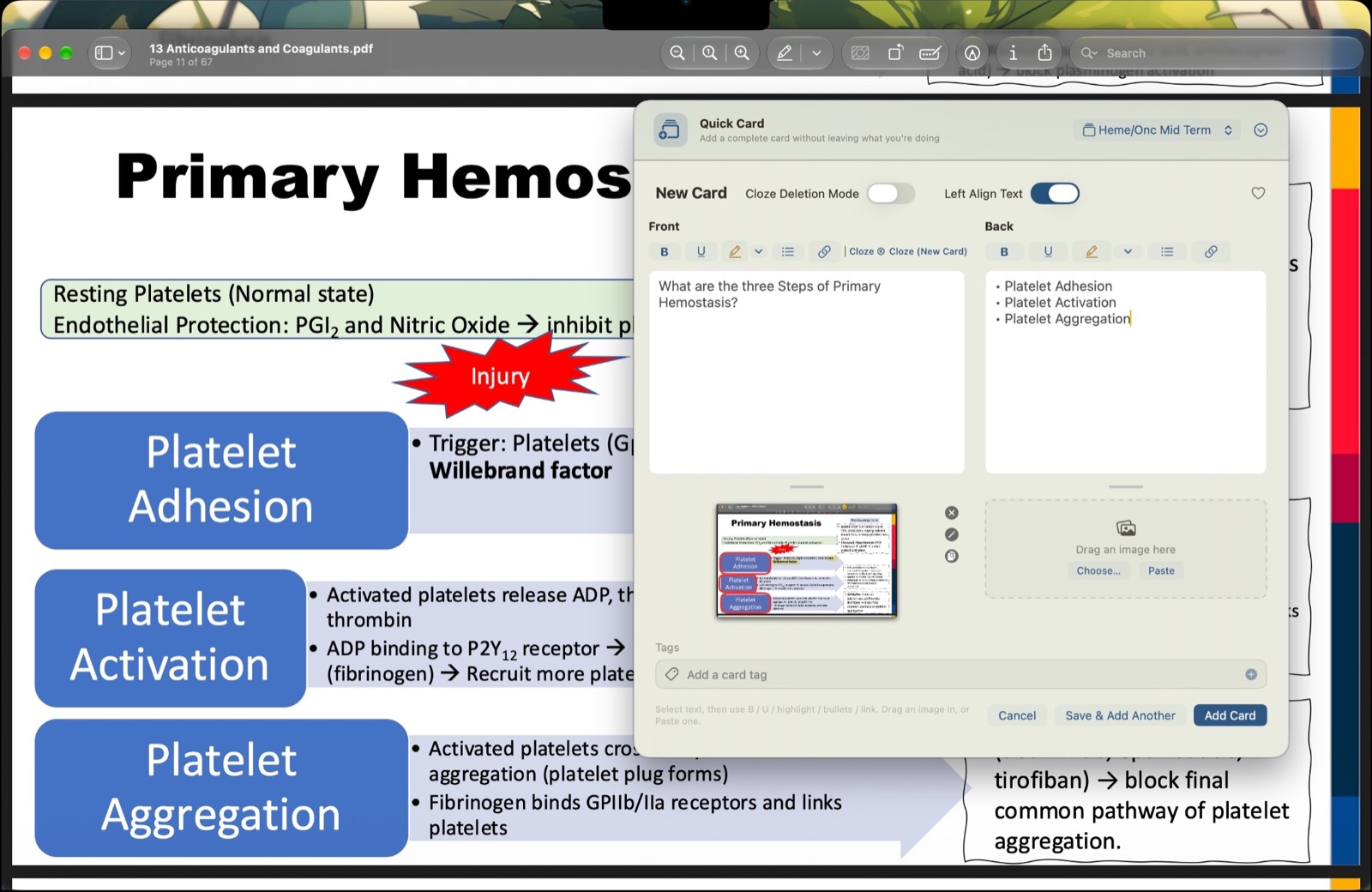
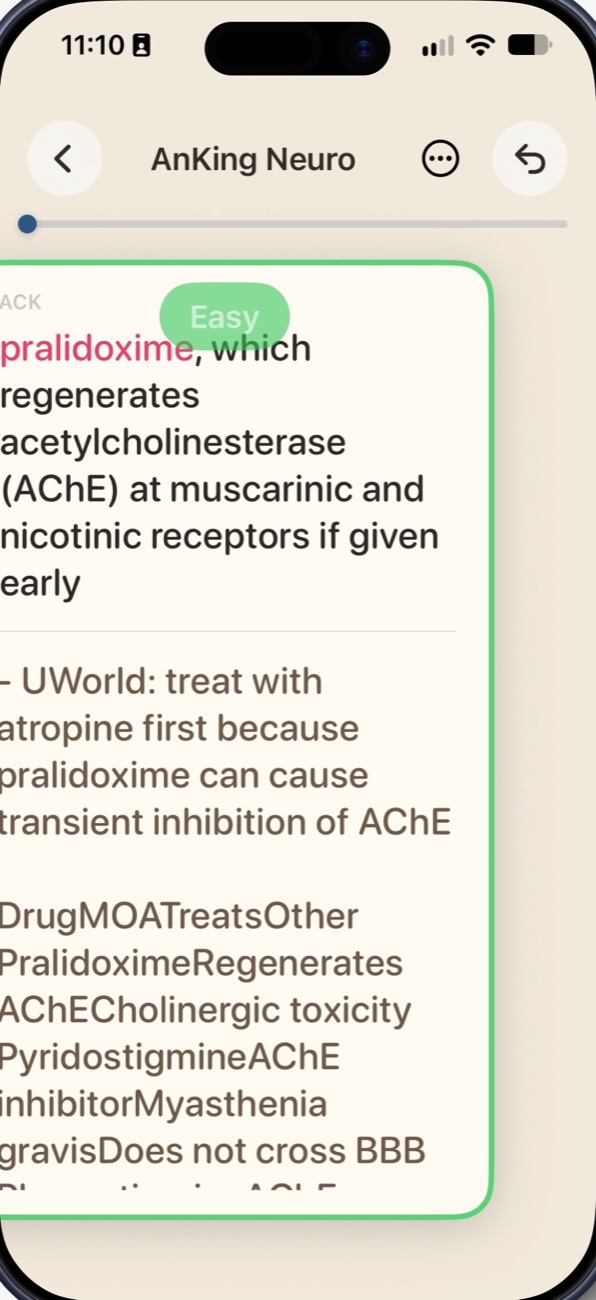
Import an .apkg file and your cards, images, occlusion masks and review schedule come with it. Import the same package twice and Recall fills in what is missing, without duplicates.
And if you ever leave, your cards leave with you: Recall writes Anki packages, spreadsheets and its own portable .recall files.
.apkgAnki, current and legacy formats.xlsx .csv .tsvSpreadsheets.recallDecks shared by a friend.apkgBack to Anki, occlusions included.recallA deck or a whole topic, by AirDrop.xlsx .csvSpreadsheets and full backupsYour cards and study history stay on your devices. If you turn on sync, they travel through your private iCloud database, which the developer cannot see.
There is nothing to sign up for, no ads, and no tracking code in the app. Recall also keeps daily local backups, because the only copy of four years of notes should not be the only copy.
Read the privacy policy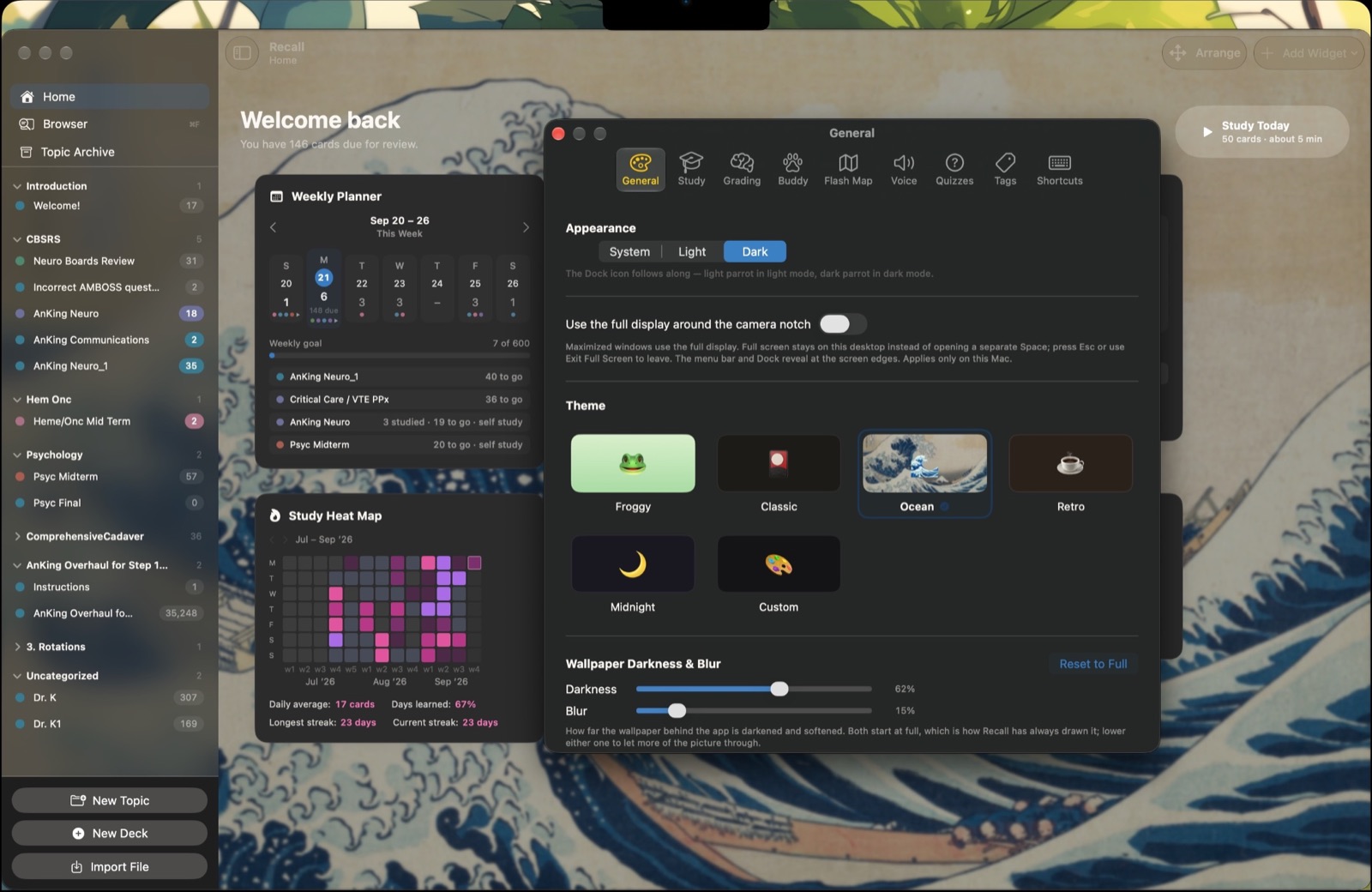

Make the first deck tonight. Recall will handle the remembering part.
Get Recall on the App Store